 __
__ The Side-by-Side Viewer |
 Presenters: |
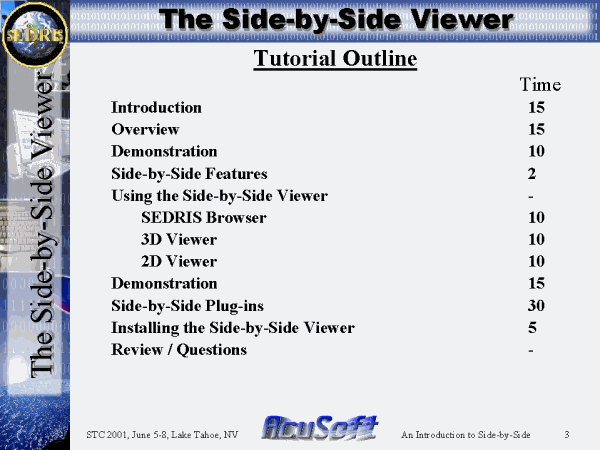 Tutorial Outline |
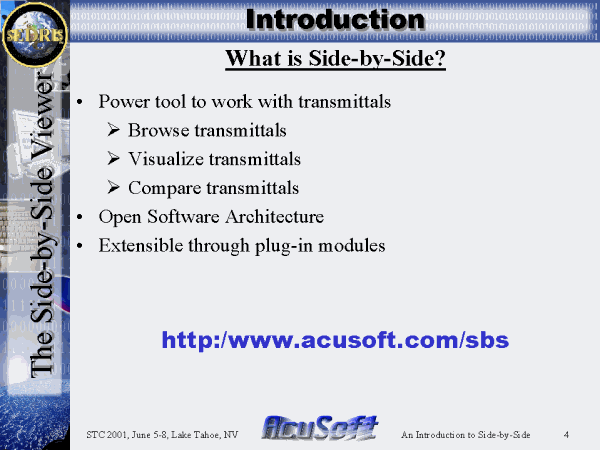 What is Side-by-Side? |
 SbS Design Principles - 1 |
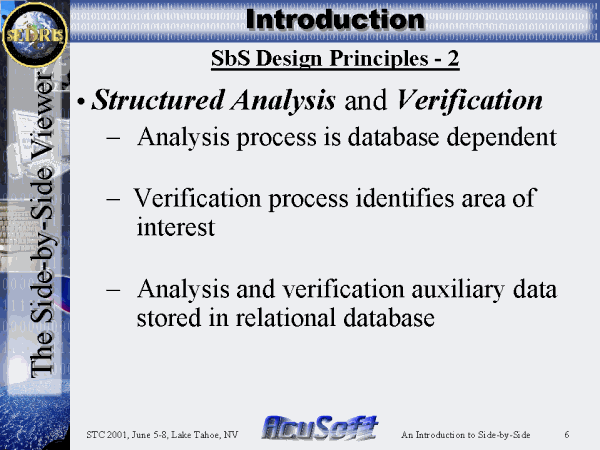 SbS Design Principles - 2 |
 SbS Design Principles - 3 |
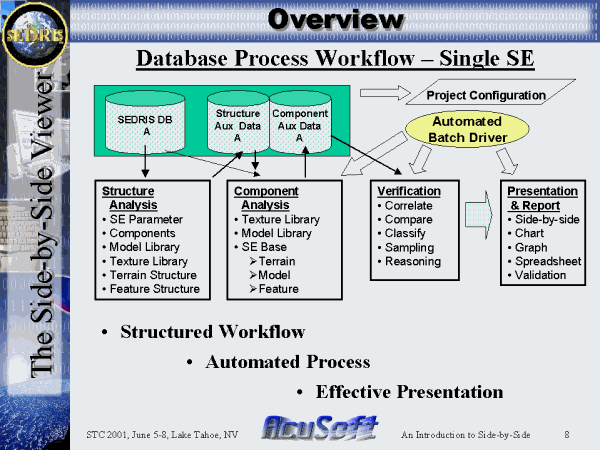 Database Process Workflow � Single SE |
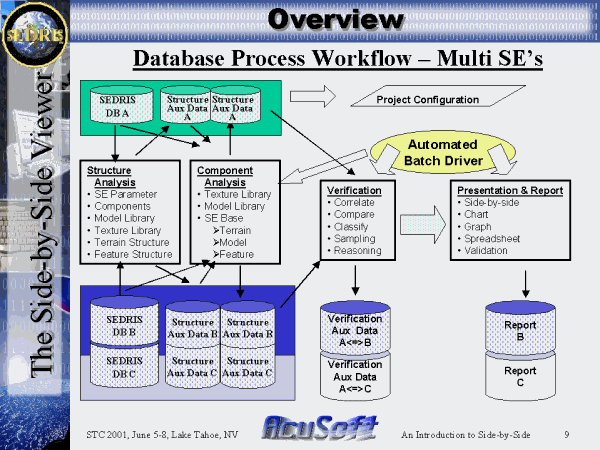 Database Process Workflow � Multi SE�s |
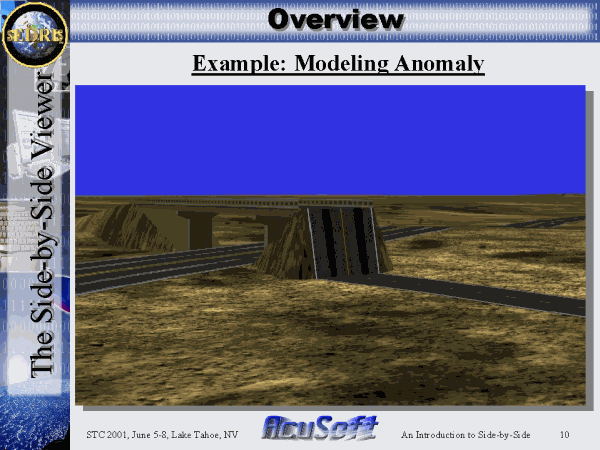 Example: Modeling Anomaly |
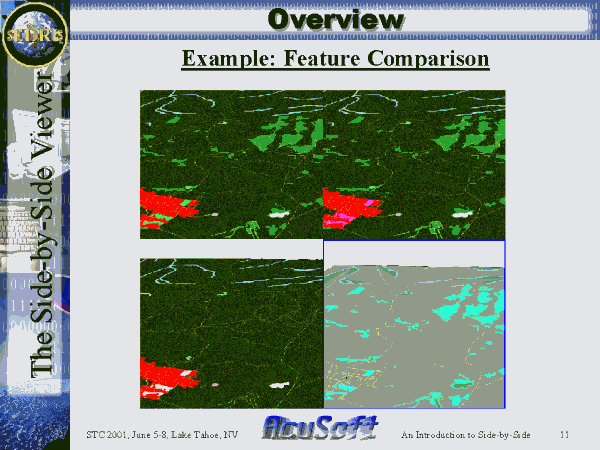 Example: Feature Comparison |
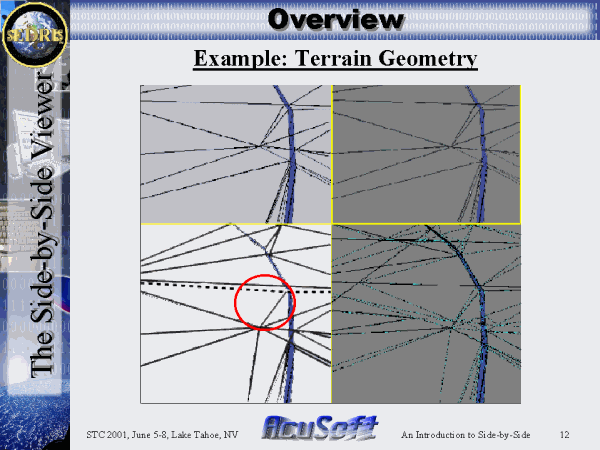 Example: Terrain Geometry |
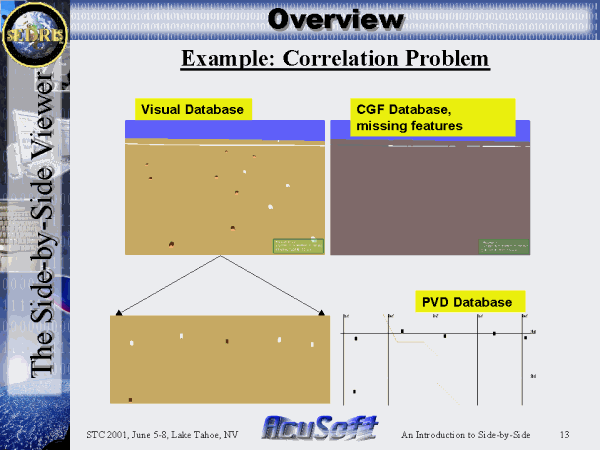 Example: Correlation Problem |
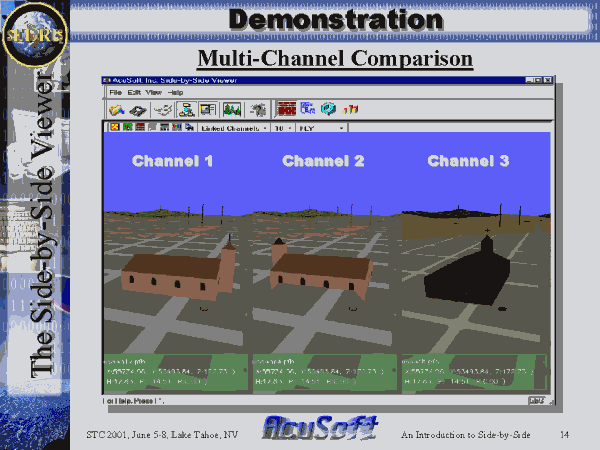 Multi-Channel Comparison |
 Side-by-Side Viewer Features |
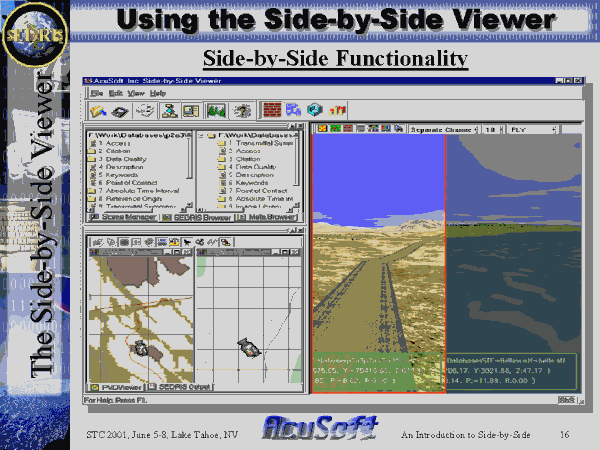 Side-by-Side Functionality |
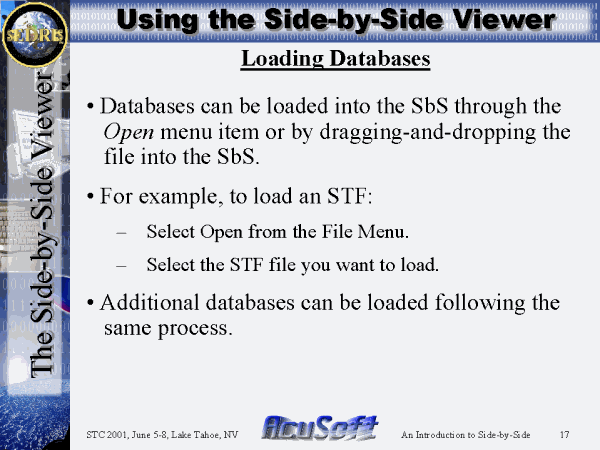 Loading Databases |
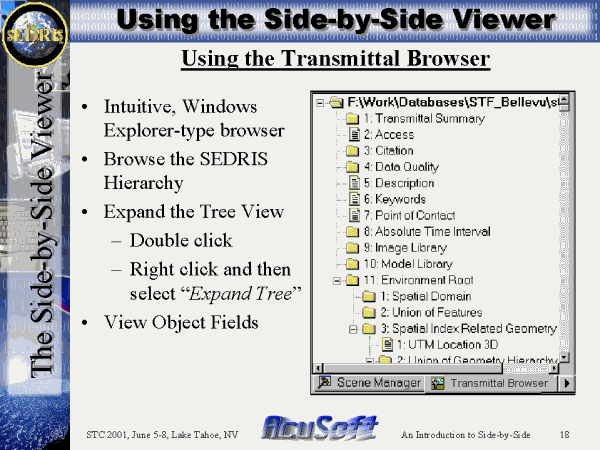 Using the Transmittal Browser |
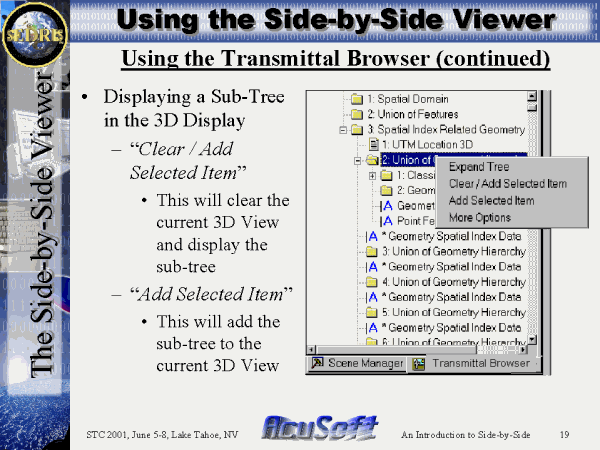 Using the Transmittal Browser (continued) |
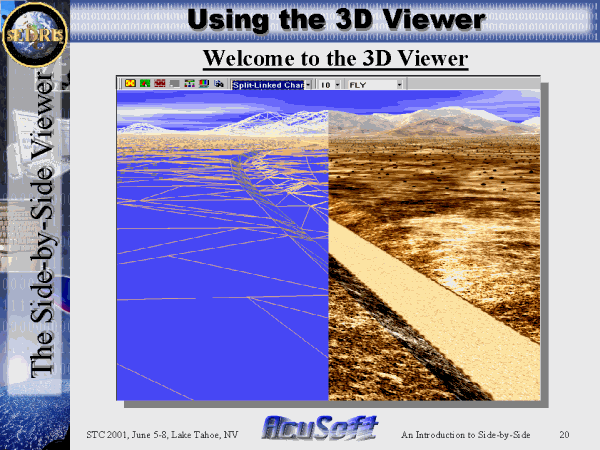 Welcome to the 3D Viewer |
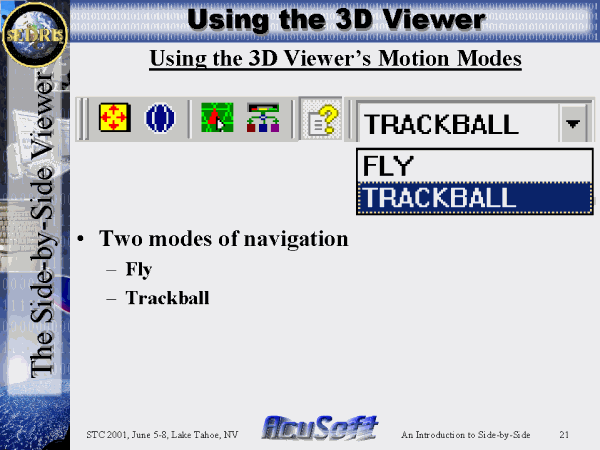 Using the 3D Viewer�s Motion Modes |
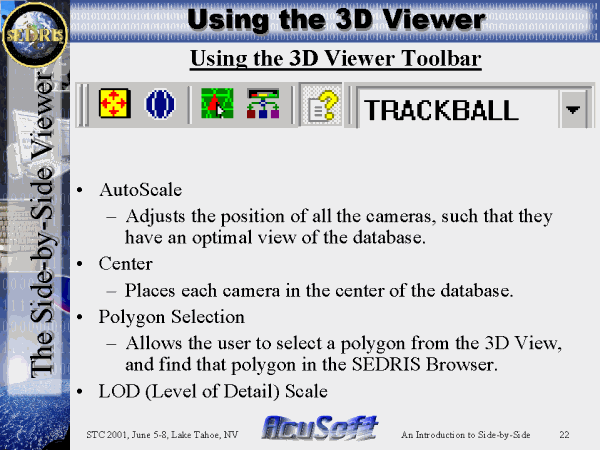 Using the 3D Viewer Toolbar |
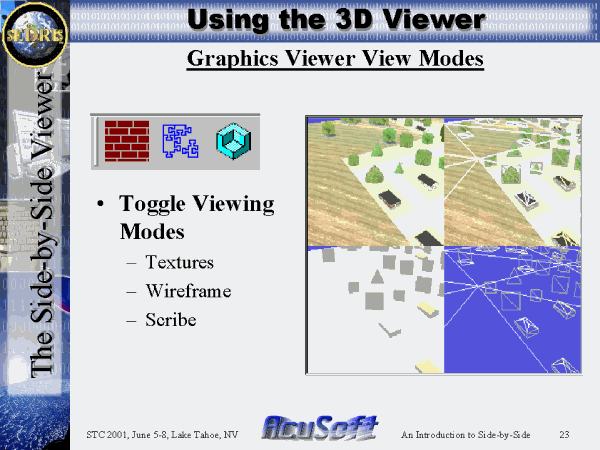 Graphics Viewer View Modes |
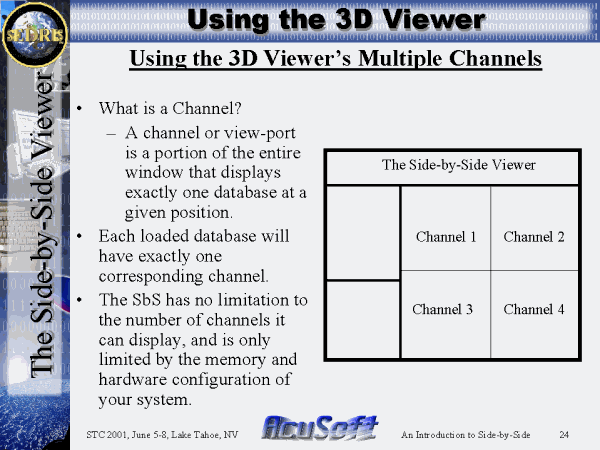 Using the 3D Viewer�s Multiple Channels |
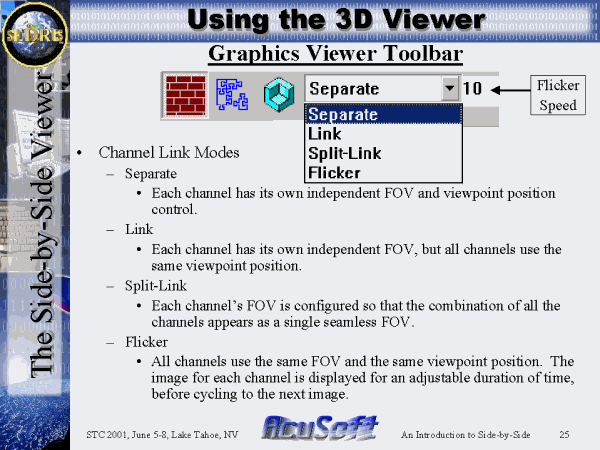 Graphics Viewer Toolbar |
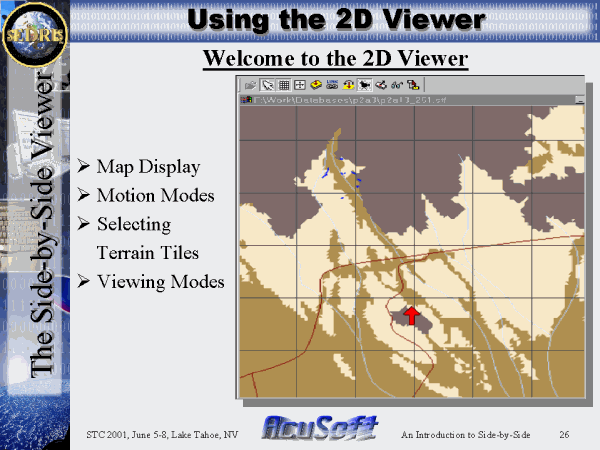 Welcome to the 2D Viewer |
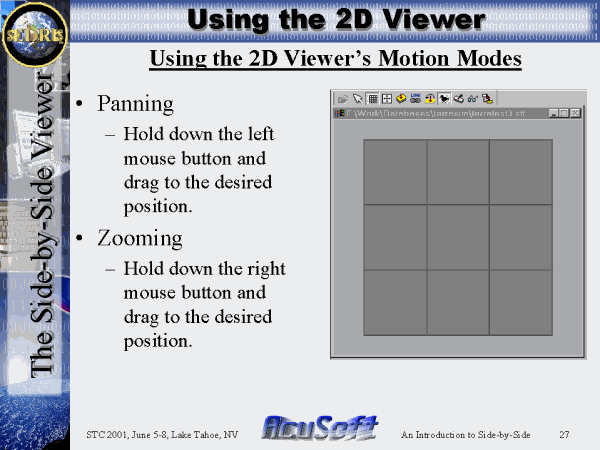 Using the 2D Viewer�s Motion Modes |
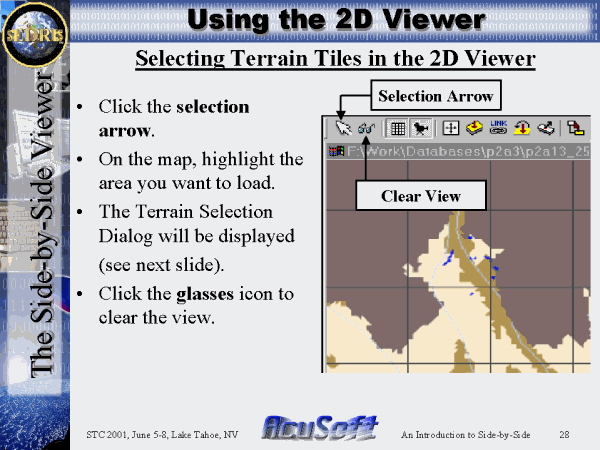 Selecting Terrain Tiles in the 2D Viewer |
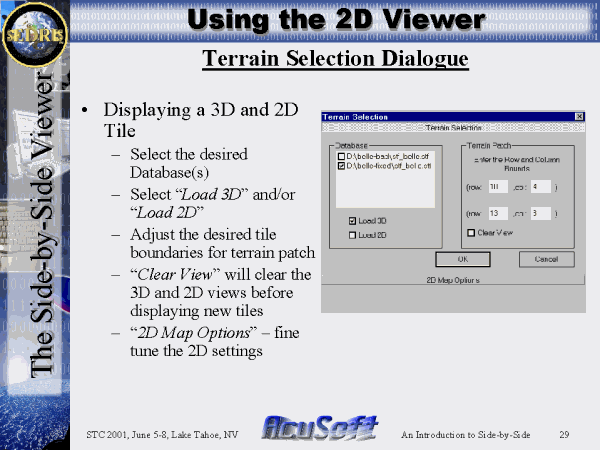 Terrain Selection Dialogue |
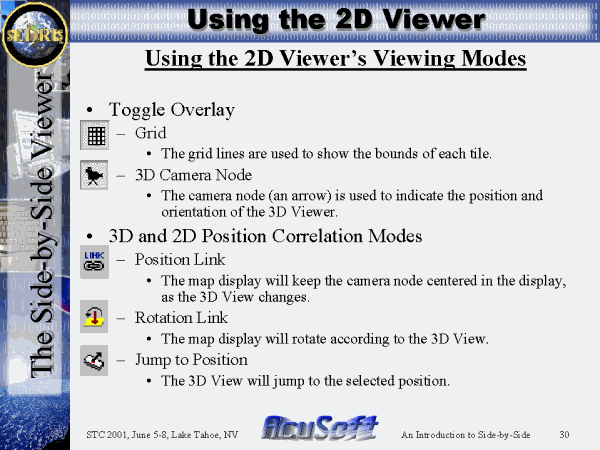 Using the 2D Viewer�s Viewing Modes |
 Using the SEDRIS Loader |
 Loading Multiple Databases |
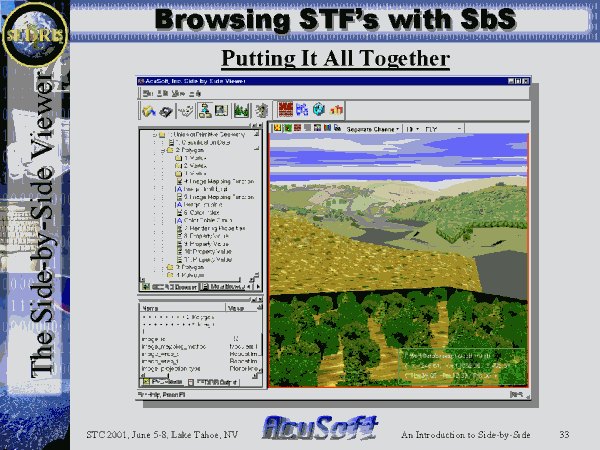 Putting It All Together |
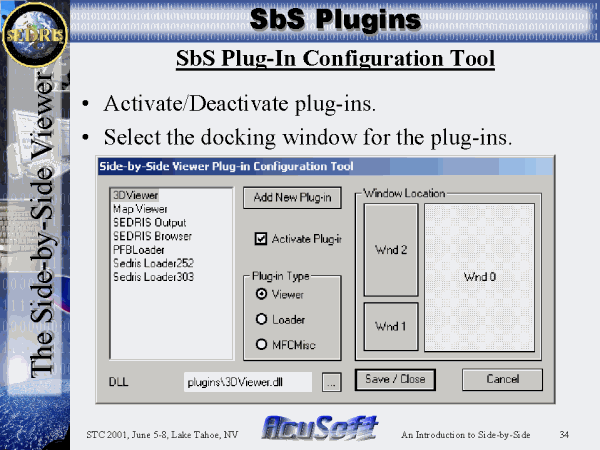 SbS Plug-In Configuration Tool |
 Increasing SbS Functionality |
 SbS Plug-In Interface |
 SbS Plug-In Interface (continued) |
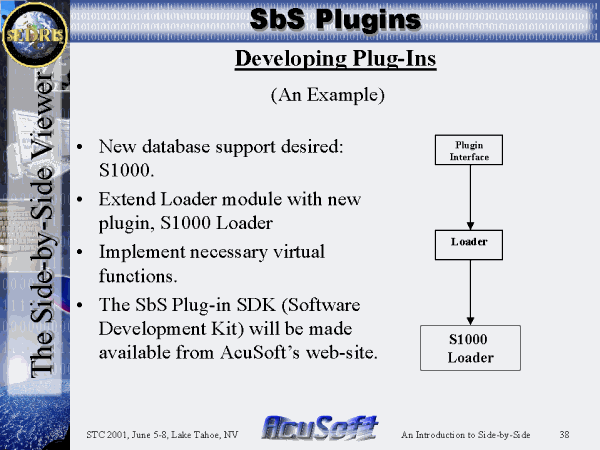 Developing Plug-Ins |
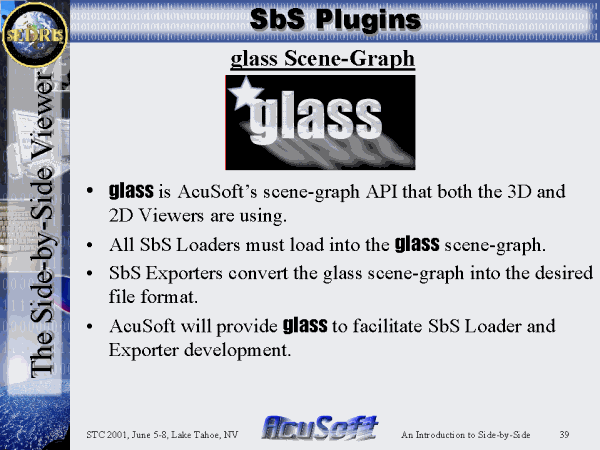 glass Scene-Graph |
 OpenFLT Exporter |
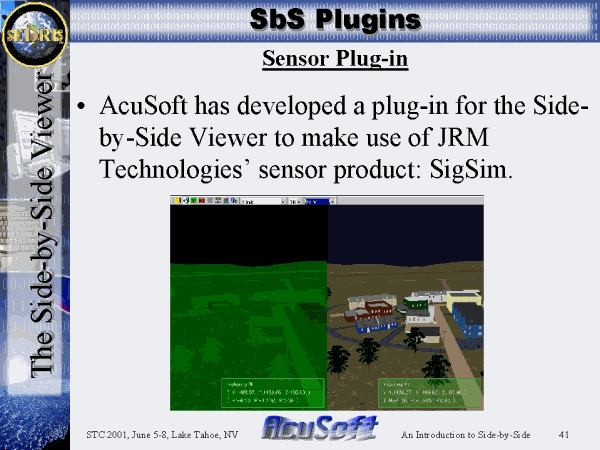 Sensor Plug-in |
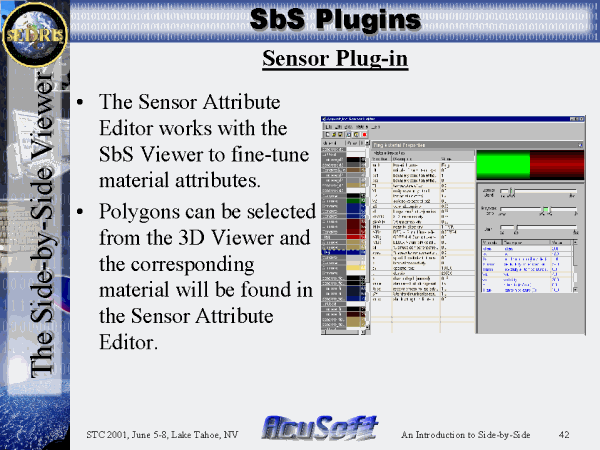 Sensor Plug-in |
 Installing the Side-by-Side Viewer |
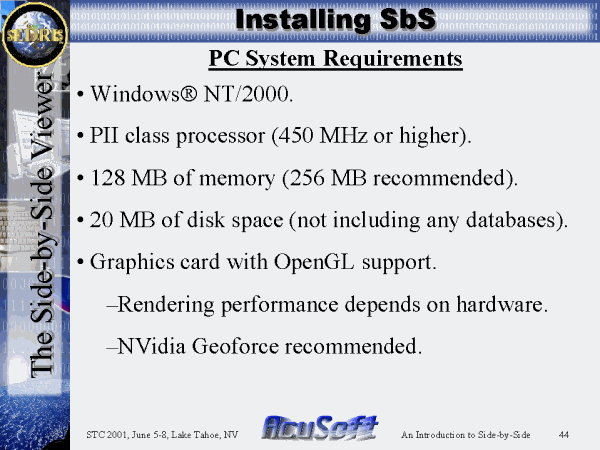 PC System Requirements |
 Summary |
. | . | . |