Slide 22 of 41
Notes:
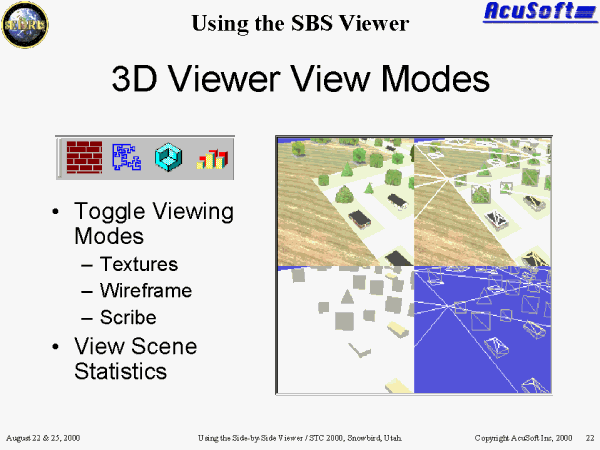
Using the 3D Viewer View Modes
- Toggle Textures button: allows the enabling and disabling of textures.
- Toggle Wireframe button: allows the enabling and disabling of wireframe mode.
- Toggle Scribe button: allows the enabling and disabling of scribe mode. Scribe mode will overlay a wireframe outline onto the geometry.
- View Scene Statistics: the Side-by-Side offers a variety of statistical information.
- Frame Rate
- Memory Usage
- Geometry Statistics (e.g. the number of polygons)