 __
__
 Introduction to the Side-by-Side Viewer |
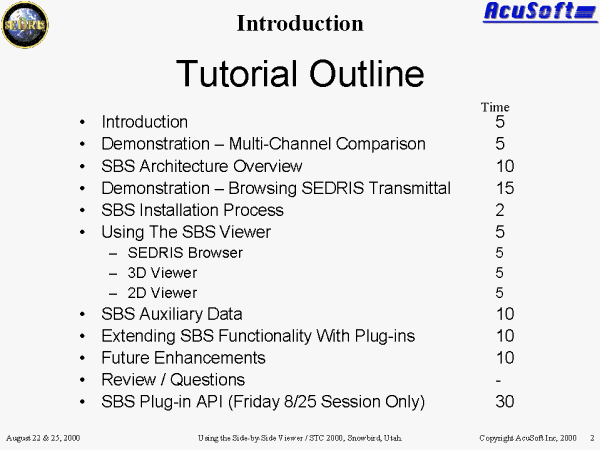 Tutorial Outline |
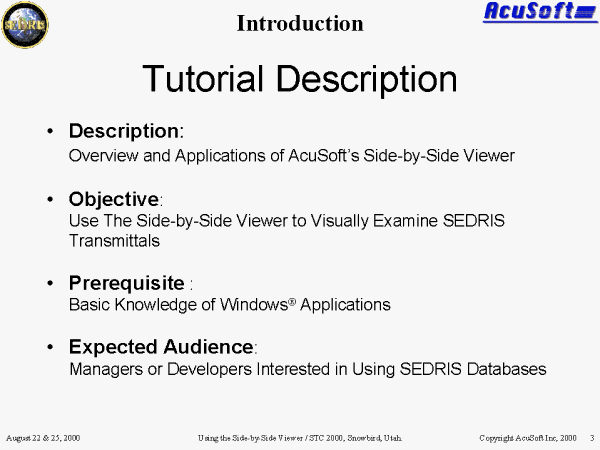 Tutorial Description |
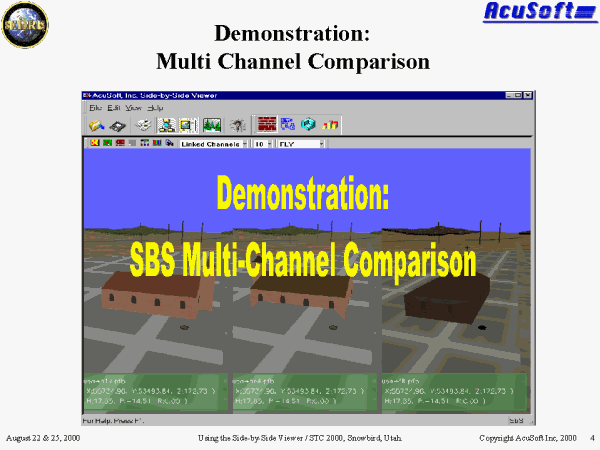 PPT Slide |
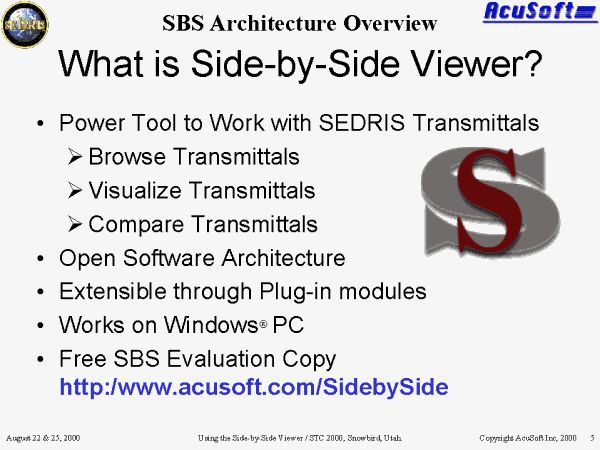 What is Side-by-Side Viewer? |
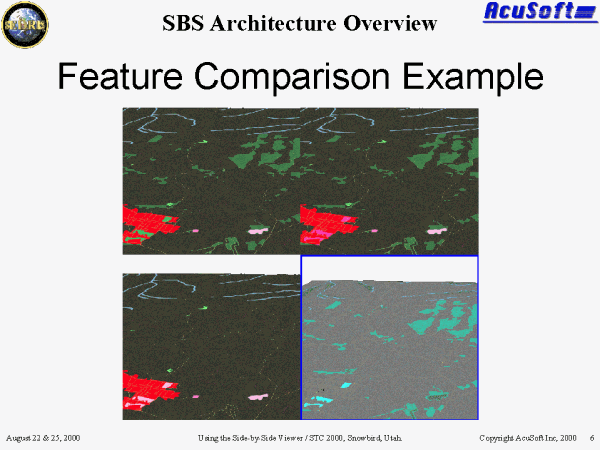 Feature Comparison Example |
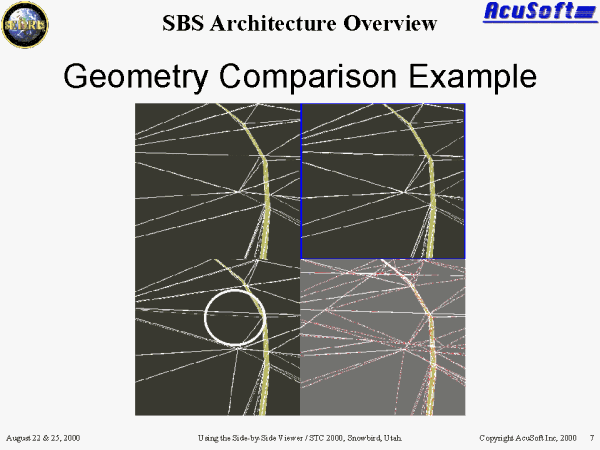 Geometry Comparison Example |
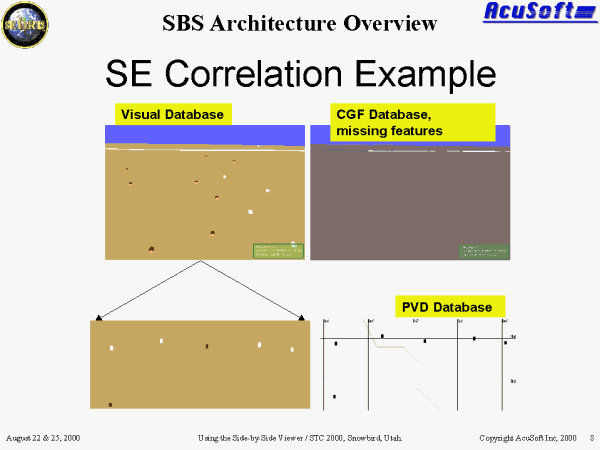 PPT Slide |
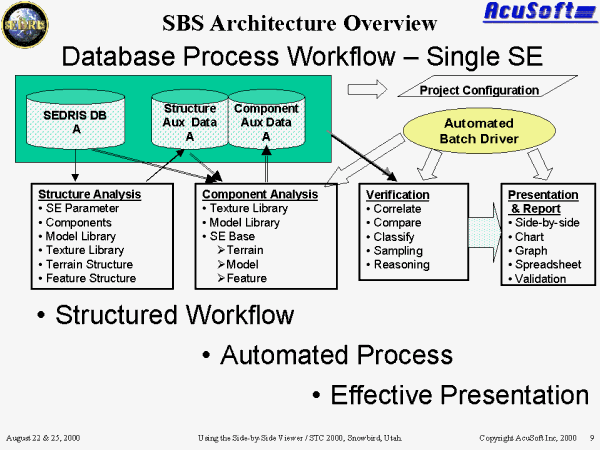 Database Process Workflow � Single SE |
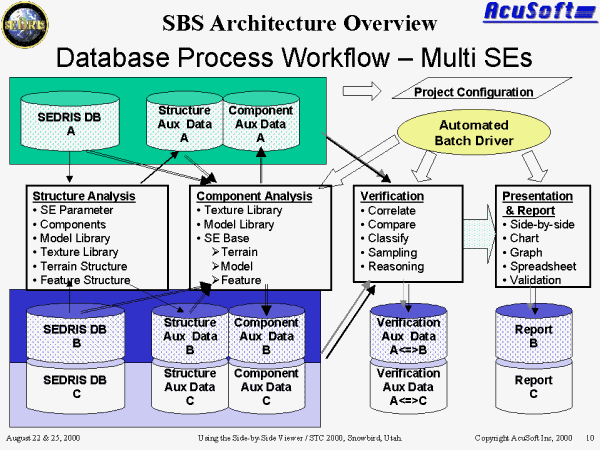 Database Process Workflow � Multi SEs |
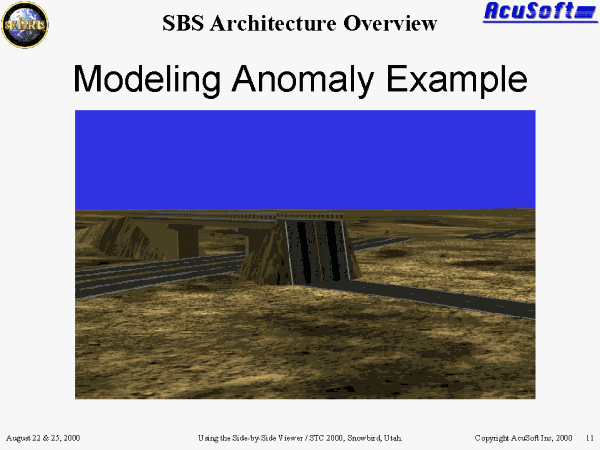 Modeling Anomaly Example |
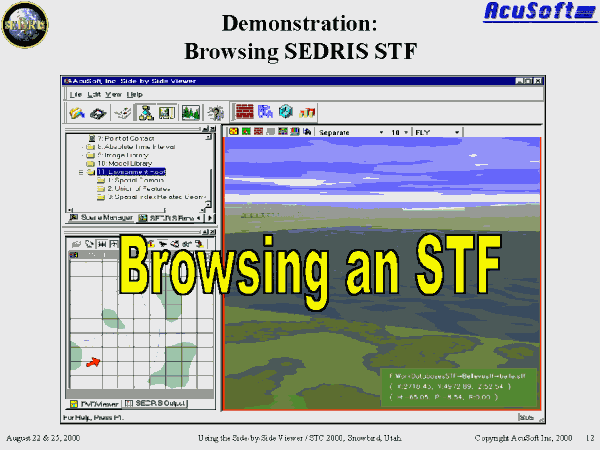 Browsing SEDRIS STF with SBS |
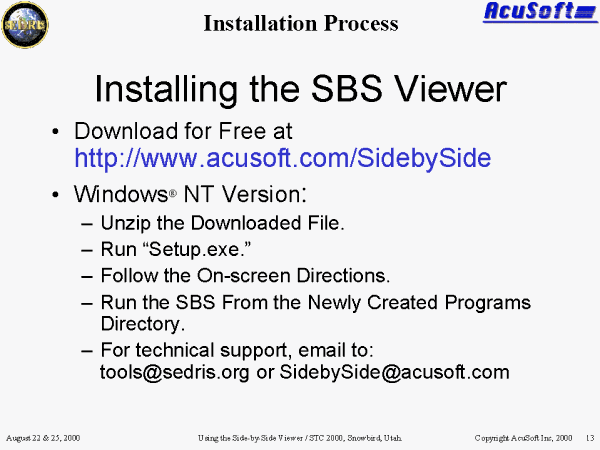 Installing the SBS Viewer |
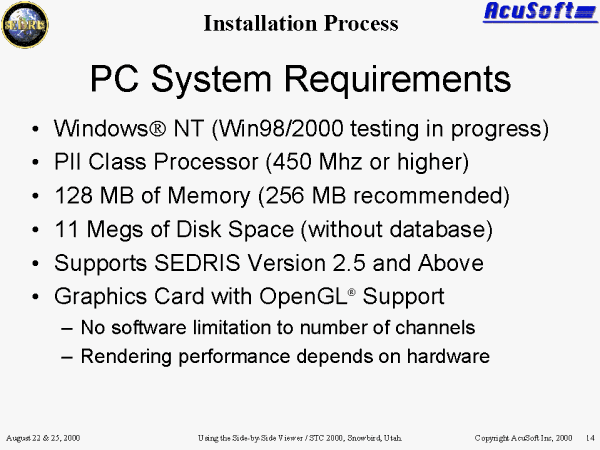 PC System Requirements |
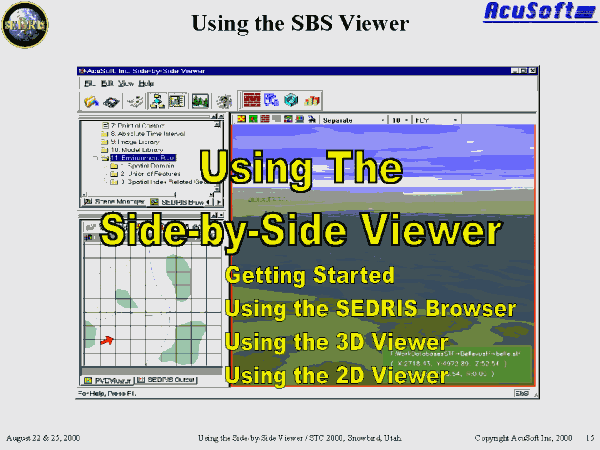 Using The Side-by-Side Viewer |
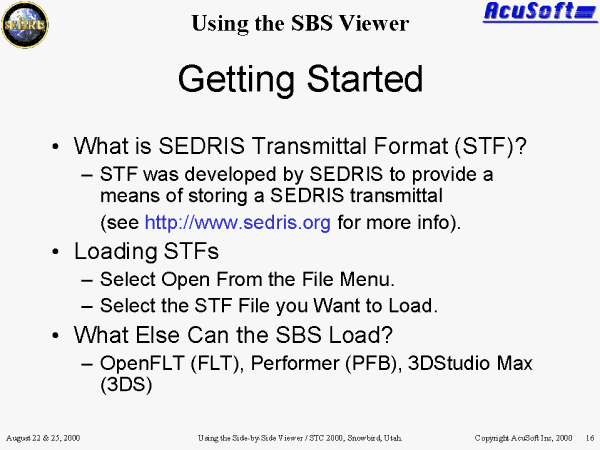 Getting Started |
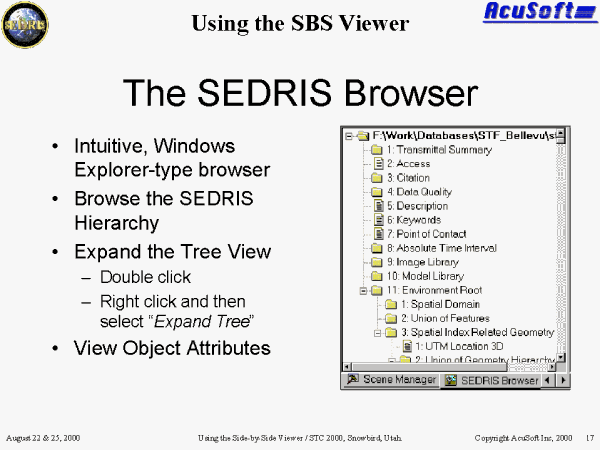 The SEDRIS Browser |
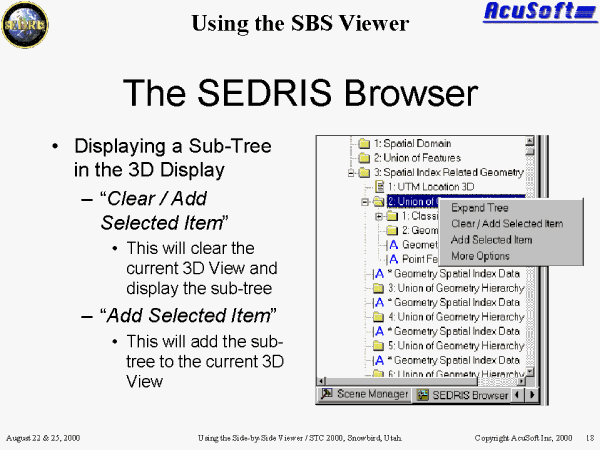 The SEDRIS Browser |
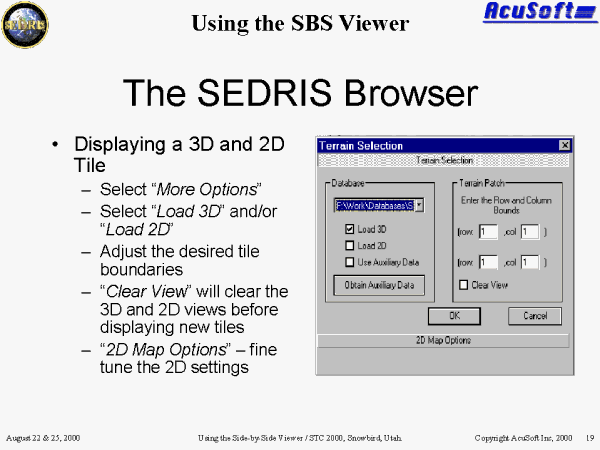 The SEDRIS Browser |
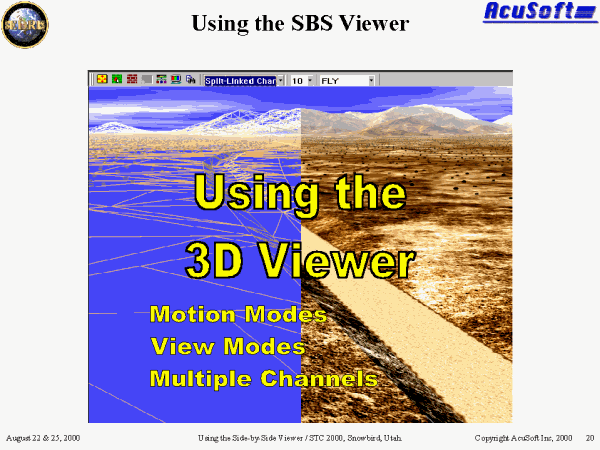 Using the 3D Viewer |
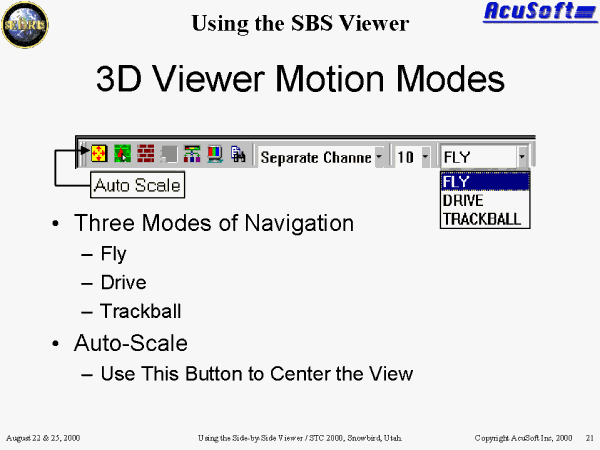 3D Viewer Motion Modes |
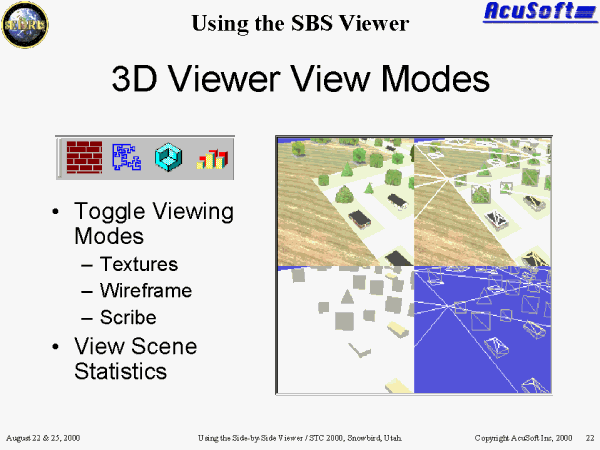 3D Viewer View Modes |
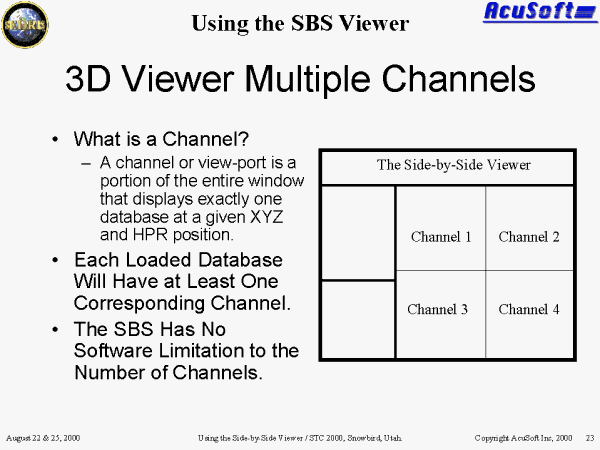 3D Viewer Multiple Channels |
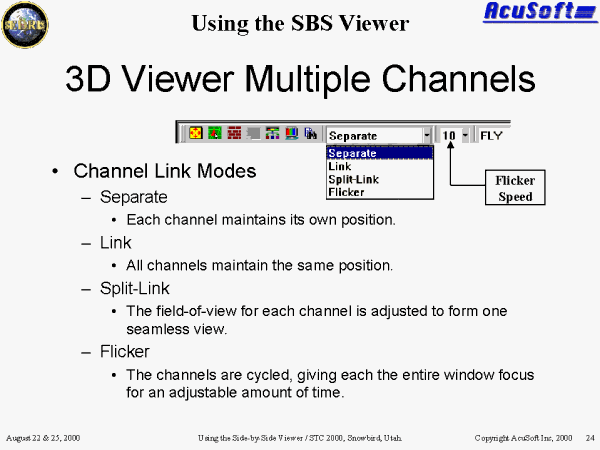 3D Viewer Multiple Channels |
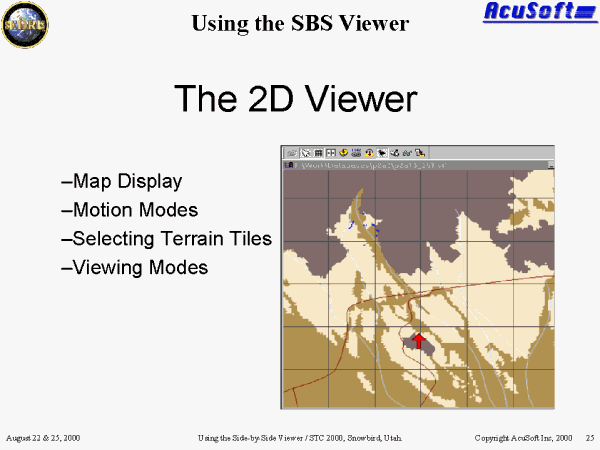 The 2D Viewer |
 The 2D Viewer Map Display |
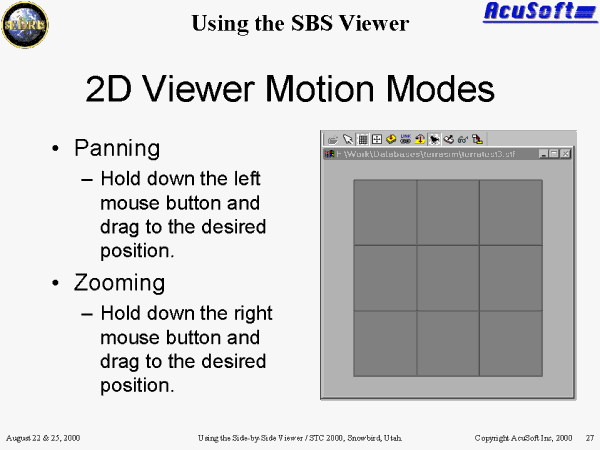 2D Viewer Motion Modes |
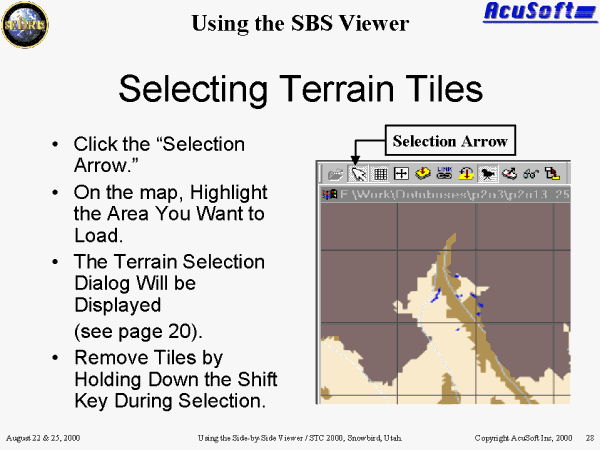 Selecting Terrain Tiles |
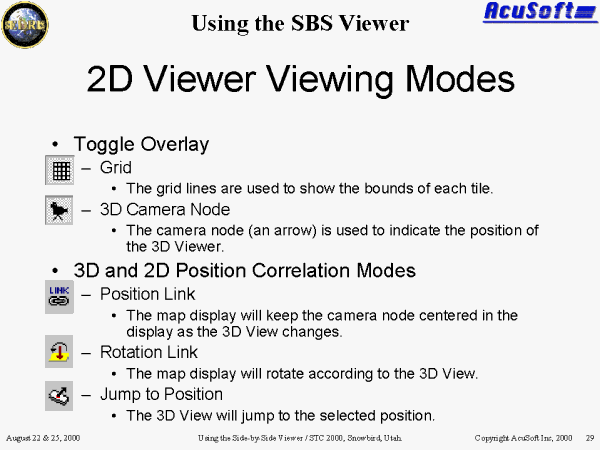 2D Viewer Viewing Modes |
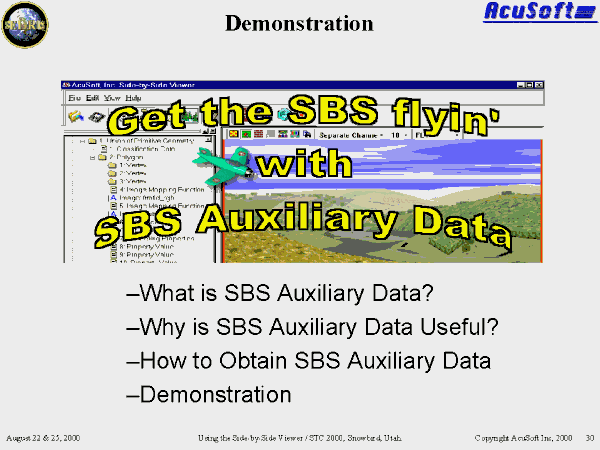 SBS Auxiliary Data |
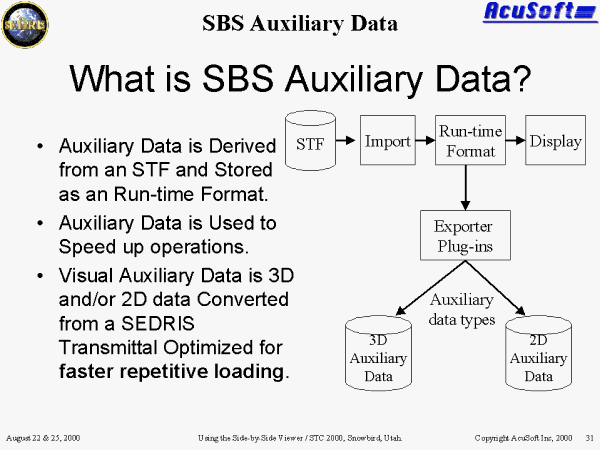 What is SBS Auxiliary Data? |
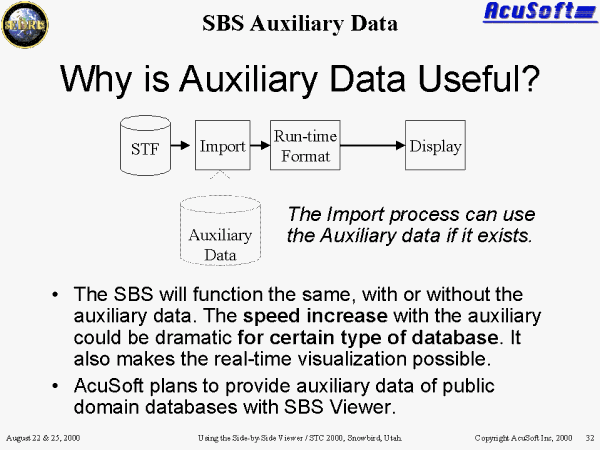 Why is Auxiliary Data Useful? |
 How to obtain SBS Auxiliary Data |
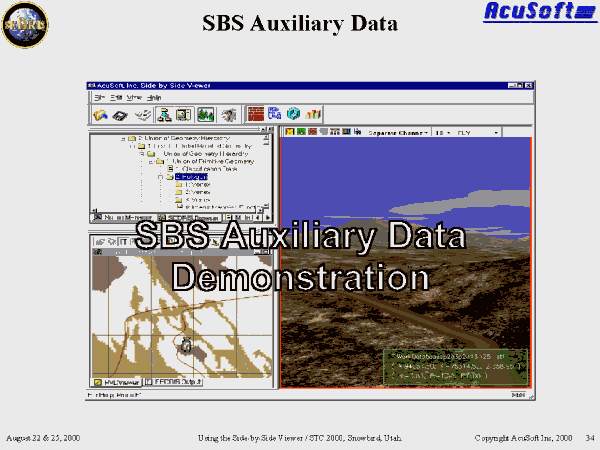 SBS Auxiliary Data Demonstration |
 Extending SBS Functionality (via SBS Plug-ins) |
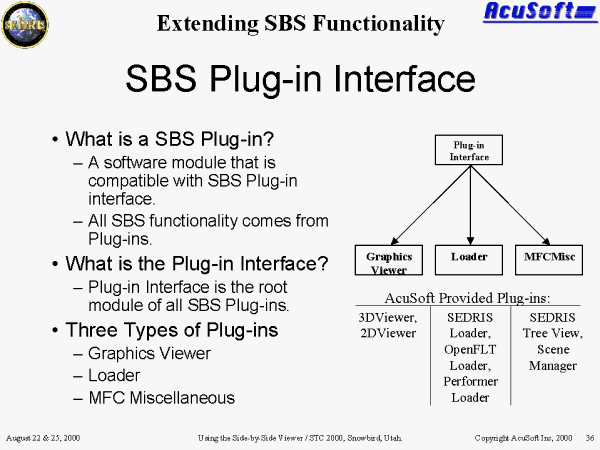 SBS Plug-in Interface |
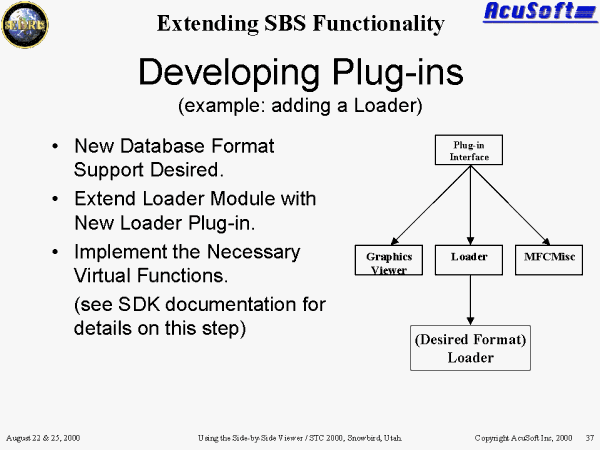 Developing Plug-ins (example: adding a Loader) |
 Future SBS Plug-ins |
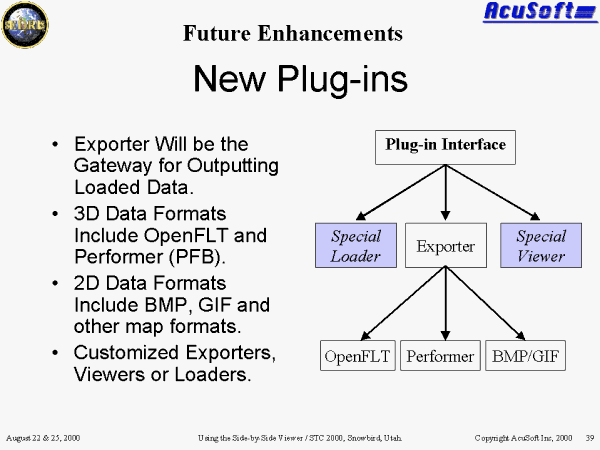 New Plug-ins |
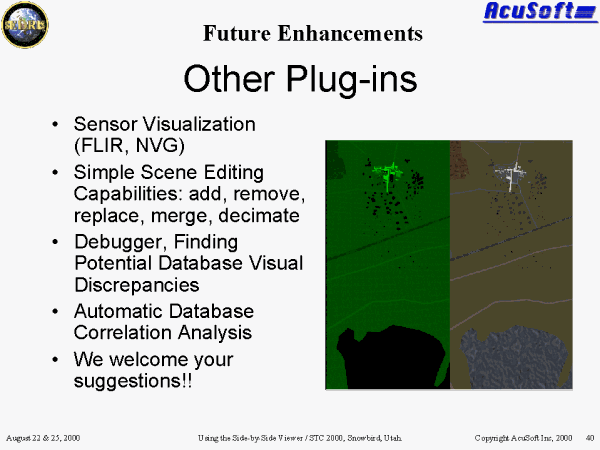 Other Plug-ins |
 Summary |
. | . | . |