Slide 24 of 41
Notes:
Using the 3D Viewer Multiple Channels
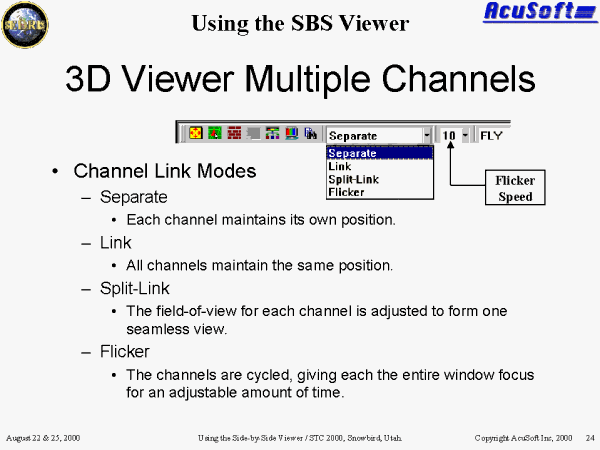
Four available Multichannel Modes:
- Separate mode: Allows independent navigation of the channel in focus. Focus is represented by a red box around the channel. To change the focus, click both buttons on the new channel.
- Linked mode: Causes all opened channels to share the same position. In Link mode, the channels are no longer independent of one another.
- Splitlink mode: The field-of-view for each channel is adjusted to form one seamless view.
- Flicker mode: The channels are cycled, giving each the entire window focus for an adjustable amount of time.
- Only Separate mode supports the adjustment of individual channel view settings (e.g. wireframe). When in any other mode, adjusting the view settings will effect all of the channels.