Slide 18 of 41
Notes:
Using the SEDRIS Browser (continued �)
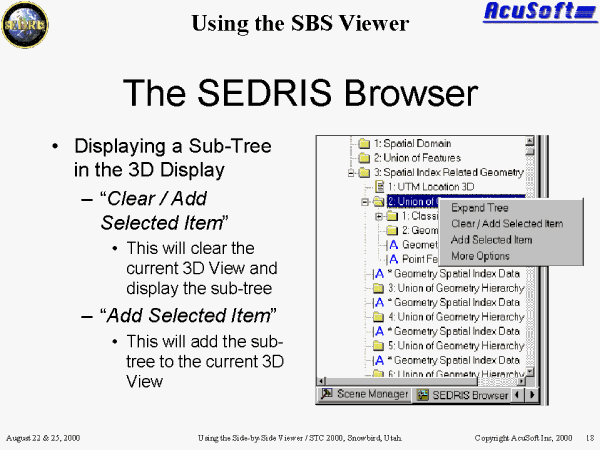
A common use for the SEDRIS Browser is to select the top SEDRIS node for the portion of the database you to wish to view in the 3D Viewer. To do this, right click on the sub-tree you want to convert.
Select �Clear/Add Selected Item� to clear the current 3D view and display the sub-tree.
Select �Add Selected Item� to add the sub-tree to the current 3D view.
Both of these options will traverse the SEDRIS sub-tree and convert all of the geometry below into a format that can be displayed in the 3D View.