Slide 27 of 41
Notes:
Using the 2D Viewer Motion Modes
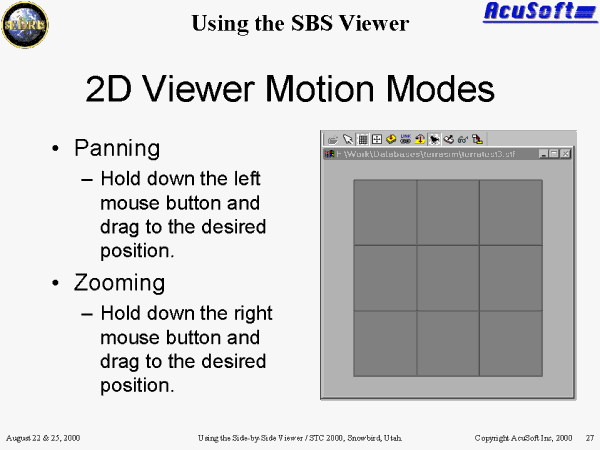
Panning: Hold down the left mouse button and drag to the desired position.
Zooming: Hold down the right mouse button and drag to the desired position. To zoom out, move the mouse up. To zoom in, move the mouse down.