Slide 28 of 41
Notes:
Using the 2D Viewer Selecting Terrain Tiles
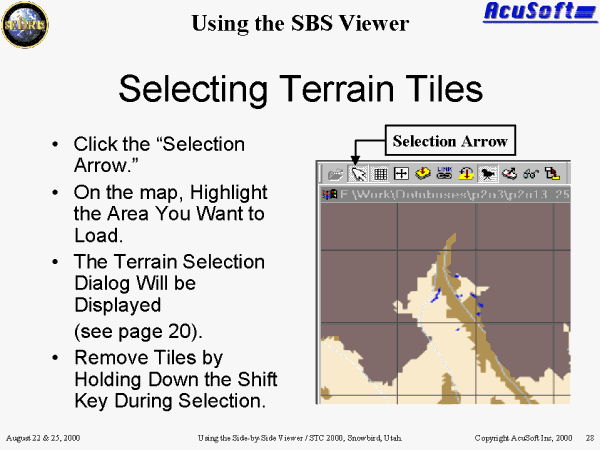
Select Arrow button is a feature that allows you to select any of the tiles on the 2-D map area. Left click on a particular tile or left click and drag to select several tiles.
When used in combination with the Shift key, this action will remove tiles from both the 2-D and 3-D viewer.��
After selecting tile(s), the Terrain Selection Dialog will be displayed (see slide 19).