Slide 29 of 41
Notes:
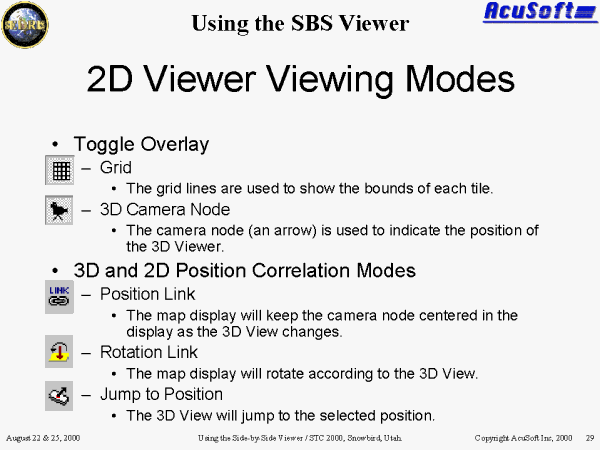
Using the 2D Viewer Viewing Modes
Grid: lines that are used to show the bounds of each tile.
3D Camera Node: the camera node (an arrow) is used to indicate the position of the 3D Viewer
3D and 2D Position Correlation Modes:
Position Link: the map display will keep the camera node centered in the display as the 3D view changes.
Rotation Link: the map display will rotate according to the 3D view.
Jump to Position: click anywhere on the 2-D map; the 3D view will jump to the selected position.